
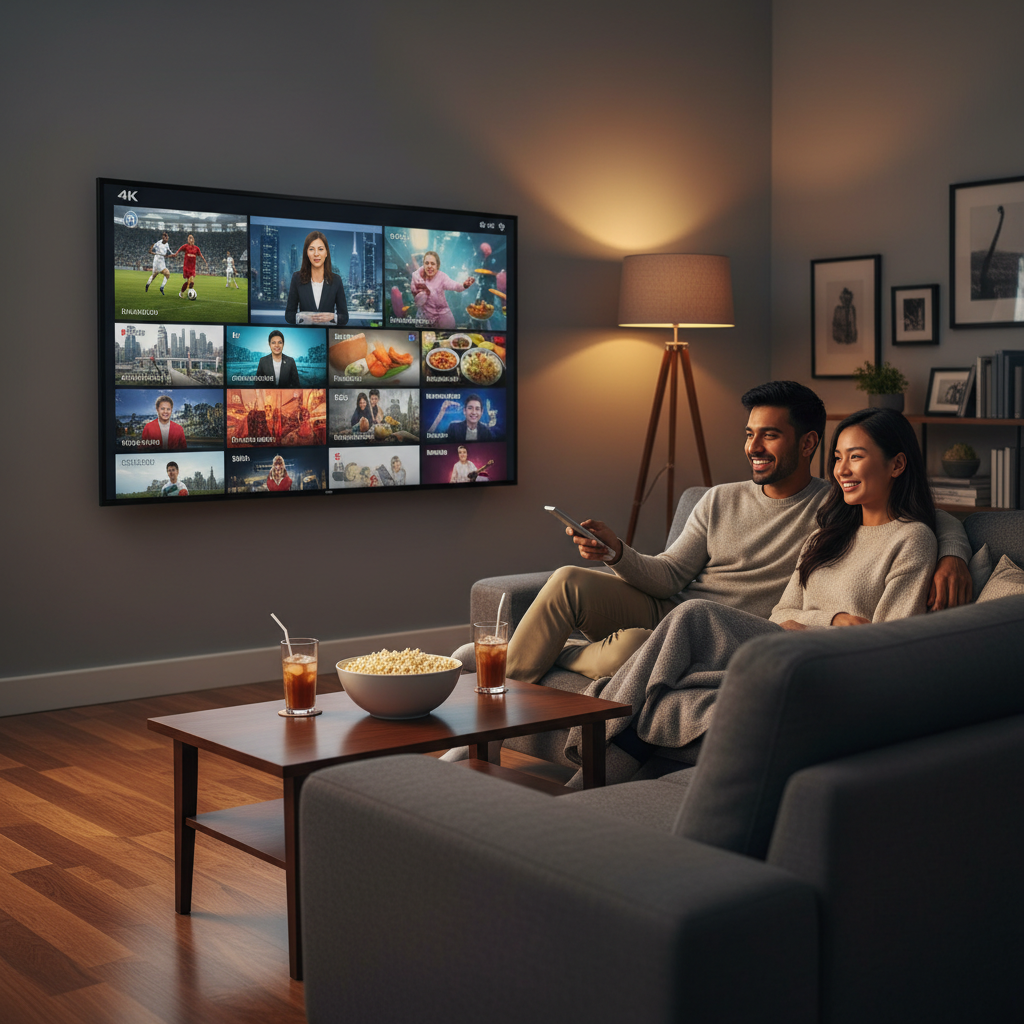
The best IPTV service right now delivers live sports without blackouts, loads fast on whatever device you already own, and doesn’t lock you into a long contract. VoxiCast checks every one of those boxes, and this guide shows you exactly why — plus what to look for so you can make a confident call before you spend a dollar.
Table of Contents
We’ll cover what separates a solid IPTV subscription from a frustrating one, break down the channels and sports coverage that matter most to US viewers, and explain how to get set up in minutes on a Firestick, Smart TV, or phone. By the end, you’ll know what to buy and what to skip.
If you want to test the water first, you can try VoxiCast free for 24 hours before committing to any paid plan. See the picture quality, check your sports channels, and confirm everything works on your setup before you pay anything.
What Is IPTV and Why Is It Replacing Cable in 2026?
IPTV stands for Internet Protocol Television — television delivered over your broadband connection instead of a coaxial cable or satellite dish. Per the ITU’s IPTV technical standard, it’s audio and video content packaged and sent across IP-based networks, the same infrastructure your phone and laptop already use every day.
Cable companies rent you a box, lock you into a contract, and push content on their schedule. IPTV flips that. Your provider sends a stream directly to your device the moment you press play. No box rental. No technician visit. No two-year commitment.
The practical advantages stack up fast. You get on-demand flexibility, global channel access — sports, news, and entertainment from dozens of countries in one place — and support for every device you already own, from a Firestick to an iPhone. You also pay a fraction of what cable charges for a comparable lineup.
2026 is a real turning point. Nielsen’s December 2025 streaming report showed streaming now accounts for 47.5% of all U.S. TV viewing. Meanwhile, 4K content is mainstream, and sports blackout frustration has reached a boiling point for fans who pay premium prices and still can’t watch their local team.
Here’s the catch: not all IPTV providers US residents find online are built the same. Buffering, dead channels, and zero customer support are common complaints about low-quality services. The gap between a mediocre subscription and a premium IPTV service is enormous. Reliability, server quality, and channel depth separate the best options from the ones that waste your money.
If you’re ready to move forward, start with how to buy an IPTV subscription to understand exactly what to look for before you commit.
What to Look for in the Best IPTV Service (USA Buyers’ Checklist)
Not every IPTV subscription delivers what it promises. Before you buy from any provider, run it through these criteria — they separate reliable services from ones that buffer out during the fourth quarter.
Channel Count and EPG Quality
Raw channel numbers mean nothing without a working electronic program guide. An EPG shows you what’s on now and what’s coming next, just like a cable grid. Without it, you’re scrolling blind through thousands of channels.
VOD Library Depth
A strong service backs live TV with a real on-demand library — thousands of movies and full series, not a few hundred filler titles. Think of it as your Netflix replacement, built into the same app.
Streaming Quality Tiers
Look for SD, HD, FHD, and 4K options. That range lets you match quality to your internet speed and your screen, so you’re not locked into one setting.
Server Stability and Anti-Buffering Tech
Uptime guarantees and dedicated sports servers matter most on game day. Antifreeze technology, software that automatically reroutes your stream if a server hiccups, is the difference between watching the match and watching a loading circle.
Sports Coverage and Blackout-Free Streams
NFL, NBA, UFC, PPV fights, Premier League, if sports are your reason for cutting the cord, confirm the service covers them without geo-blackouts. This is where most budget providers fall short.
Device Compatibility and Delivery Method
The best IPTV services send you an M3U link and Xtream Codes by email, so you can load them into TiviMate, IPTV Smarters, or XCIPTV on any device, Firestick, Smart TV, iPhone, PC, all of it.
Pricing, Contracts, and Free Trials
Transparent pricing with no long-term contracts is a green flag. A money-back guarantee and an IPTV free trial tell you the provider is confident enough to let you test before you commit. For a full breakdown of what quality costs in 2026, check out VoxiCast subscription plans and pricing.
Best IPTV Service in the USA for 2026: Top Providers Compared
VoxiCast is the best IPTV service for US viewers in 2026. The market is crowded, but most providers fail on the things that actually matter: uptime, sports coverage, and support when something goes wrong.
Plenty of names float around forums. Some have decent channel counts on paper. But dig into real user experience and you find the same recurring problems: streams that freeze during big games, support that ghosts you, no trial before you pay, and thin VOD libraries. That’s not a deal-breaker on a $5 app. It is on a paid IPTV subscription you’re trusting for daily TV.
If you’ve already looked at IPTV vs cable TV compared, you know IPTV wins on price and flexibility. The catch is that a weak provider hands that advantage right back. That’s exactly why the provider choice matters so much.
VoxiCast: The Best IPTV Subscription for the USA in 2026
VoxiCast is built around the things generic providers cut corners on. Here’s what you actually get.
40,000+ live channels with full EPG. Every channel comes with an electronic program guide so you’re browsing a real TV grid, not a raw list of streams.
54,000+ VOD titles. Movies and series across every genre, updated regularly. It’s a proper on-demand library, not an afterthought.
SD, HD, FHD, and 4K streams. Quality adjusts to your connection. If your internet can handle 4K, VoxiCast delivers it.
Dedicated sports servers. NFL, NBA, UFC, Premier League, and PPV events all run on separate infrastructure. Zero blackouts. During a title fight or playoff game, that separation is what keeps your stream clean while others buffer.
Antifreeze technology and 99.9% uptime. VoxiCast’s antifreeze system catches instability before it hits your screen. The 99.9% uptime figure means outages are rare, not routine.
Instant delivery after signup. Your M3U link and Xtream Codes arrive by email in about two minutes. No waiting, no manual setup tickets.
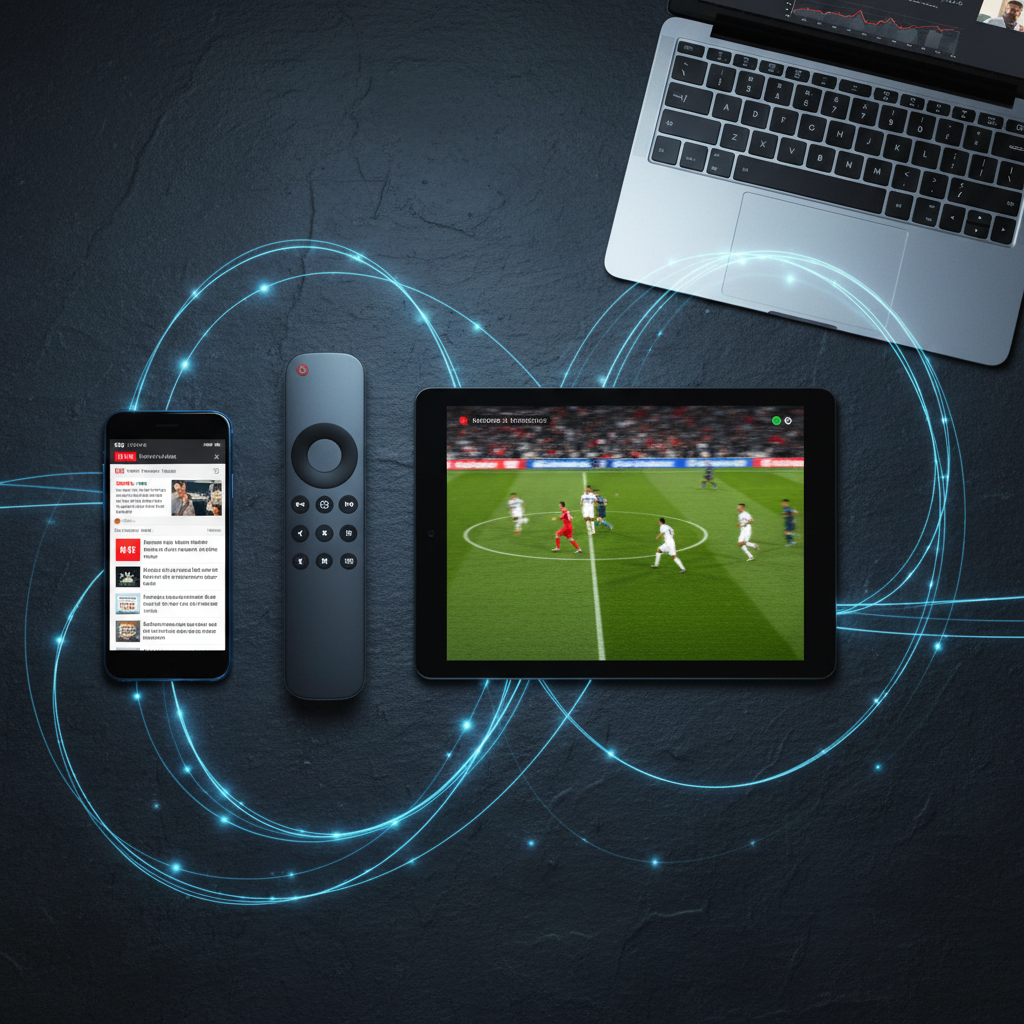
Works on every major device. Firestick, Android TV, Nvidia Shield, Apple TV, Samsung and LG Smart TVs, iPhone, iPad, and PC. Pair it with TiviMate, IPTV Smarters, or XCIPTV, all supported.
Flexible plans, no contracts. Plans start at $24.99 and cover 3, 6, or 12-month terms with 1, 2, or 3 simultaneous connections. The top plan runs $109.99. No contract locks you in, and a 10-day money-back guarantee covers you if something doesn’t fit.
24/7 support and a free trial. Real support, any hour. And before you spend a cent, you can claim a 24-hour free trial at voxicast.com to test every channel and feature yourself.
For cord-cutters, sports fans, and expats looking for the best IPTV the USA has to offer, VoxiCast clears the bar that most competitors can’t reach.
| Feature | VoxiCast | Typical Competitor |
|---|---|---|
| Live Channels | 40,000+ | Varies, often unverified |
| VOD Library | 54,000+ titles | Often limited or outdated |
| Sports Servers | Dedicated, zero blackouts | Shared, blackouts common |
| Uptime | 99.9% | Not guaranteed |
| Free Trial | 24 hours | Rarely offered |
VoxiCast for Sports Fans: NFL, NBA, UFC & Premier League With Zero Blackouts
Sports blackouts are the single biggest reason US cord-cutters regret dropping cable. The FCC’s sports blackout guide explains how private contracts between leagues and broadcasters create those maddening local blackouts, and the rules haven’t gotten friendlier. You pay for a package, your team is blacked out in your market, and you’re stuck.
VoxiCast solves this with dedicated sports servers built specifically for high-traffic live events. These aren’t shared general-purpose streams that buckle under load. They’re separate infrastructure, tuned for the moments when millions of people hit play at the same second, like a Super Bowl kickoff or a UFC title fight.
The coverage is genuinely broad. NFL Sunday games, the full NBA season, UFC and PPV fights, Premier League, Champions League, and dozens of other leagues all run on those dedicated servers with zero blackouts. Your market doesn’t matter. Your zip code doesn’t matter. The game is there.
Antifreeze technology handles the peak concurrency problem. Championship fights and playoff games are exactly when cheaper IPTV streams buffer and die. VoxiCast’s antifreeze layer keeps the picture stable during those spikes, so you’re watching the game, not a spinning wheel.
Supported events also stream in 4K. If you’ve got a 4K TV and a solid internet connection, the VoxiCast experience for live sports looks better than most cable feeds, at a fraction of the price. A full subscription starts at $24.99, with no contracts and a 10-day money-back guarantee. Cable sports packages routinely cost three to five times that for fewer channels and more blackouts.
If sports are your main reason for considering a premium IPTV service, grab the 24-hour free trial and run it through a live game first. That’s the only test that matters. And if you want to know what to look for in a top IPTV provider before you commit, that’s a smart read, especially if sports reliability is your priority.
Device Compatibility: How to Use VoxiCast on Any Screen
VoxiCast works on virtually every screen you already own. No proprietary box to buy, no special hardware to hunt down, just load the app, enter your credentials, and you’re watching.
Supported devices include Amazon Firestick and Fire TV, Android TV boxes, Nvidia Shield, Apple TV, Samsung Smart TV, LG Smart TV, iPhone, iPad, and Windows or Mac PC. If you’re setting up on a Firestick, Amazon’s Fire TV app installation guide walks you through finding and sideloading apps in minutes. Android TV and Google TV users can follow Google’s app installation guide for Google TV to get your preferred IPTV player installed fast.

Once you subscribe, VoxiCast sends your M3U playlist link and Xtream Codes to your email, usually within two minutes. Those are your login credentials for any IPTV player app. Apple’s HLS playlist documentation confirms that M3U8 playlists are the standard format behind modern streaming, so every major app supports them. Load those credentials into TiviMate, IPTV Smarters, or XCIPTV and you’re done.
Your plan determines how many screens can stream at the same time, 1, 2, or 3 simultaneous connections depending on which subscription tier you pick. A family with a Firestick in the living room, an iPad in the bedroom, and a PC at the desk can all run at once on a 3-connection plan. For a broader look at how this stacks up against mainstream options, the IPTV vs YouTube TV side by side comparison is worth a quick read before you decide.
Privacy-conscious? VoxiCast is fully VPN-compatible. Run your preferred VPN alongside it and nothing breaks.
IPTV Requirements: What You Need for a Smooth Streaming Experience
Most US homes already have everything they need to run a premium IPTV service without touching a single setting. A few quick checks before you subscribe will save you headaches later.
Internet Speed
For HD streams, a stable 10 Mbps connection is plenty. For 4K, aim for 25 Mbps or above per stream. The FCC’s broadband speed guide breaks this down clearly if you want to cross-check your plan. The key word is stable, a 100 Mbps connection that spikes and drops will cause more trouble than a steady 25 Mbps line.
Wired vs. Wi-Fi
Ethernet always wins for live TV. Plug your Firestick, Android TV box, or Smart TV directly into your router if you can. If Wi-Fi is your only option, move your router closer to your streaming device and reduce the number of devices competing for bandwidth during peak hours.
Multiple Streams and Router Placement
Running two or three connections at once? Make sure your router is centrally placed and that your IPTV devices get bandwidth priority. Most modern routers let you set this in QoS (Quality of Service) settings, it just means your TV gets first dibs on speed.
How VoxiCast Handles Network Hiccups
VoxiCast’s antifreeze technology automatically compensates for minor network fluctuations, so a brief dip in your signal won’t kill a live match. That’s a real advantage for streaming live sports with IPTV, where a frozen screen at the wrong moment stings.
If Buffering Still Happens
Run a speed test first. Then restart your router and your streaming app. If the issue continues, VoxiCast’s 24/7 support team can diagnose it fast, usually within minutes.
Is IPTV Legal in the USA? What You Need to Know
Yes, paid IPTV subscriptions are legal in the USA. The key word is paid, you’re buying authorized access to a service, the same way you’d pay for cable or a streaming app.
The legal line sits between authorized and unauthorized content. The U.S. Copyright Office’s DMCA overview explains how digital access and licensing work under federal law, and a legitimate IPTV subscription operates on the right side of that line. You’re paying for a service. That’s it.

What gets people into trouble is using free, unverified sources, pirated streams with no business behind them, no pricing, no support, no accountability. That’s a different thing entirely, and it’s not what we’re talking about here.
When you subscribe to VoxiCast, you’re dealing with a real business. Transparent pricing. A support team available 24/7. A 10-day money-back guarantee. A 24-hour free trial before you spend a dollar. Those are the hallmarks of a service that stands behind what it sells.
Premium services also invest in infrastructure, dedicated servers, antifreeze technology, 99.9% uptime, because they have paying customers to keep happy. Free or pirated streams have no such incentive, and the quality shows. If you’re exploring the international channels available through IPTV for your household, a paid service gives you stable, consistent access where a free one gives you buffering and broken links.
Bottom line: stick with a best IPTV service that charges a fair price, backs it up with a guarantee, and gives you real support. That’s the safe, smart choice.
VoxiCast Pricing Plans: How Much Does the Best IPTV Subscription Cost?
VoxiCast is one of the most affordable premium IPTV services in the US, with plans starting at $24.99 for three months. You get 40,000+ live channels, 54,000+ VOD titles, and 4K sports coverage for less than most people spend on a single streaming app.
Every plan runs on the same full-featured platform. The only variables are how long you subscribe and how many screens you need running at once.
| Duration | 1 Connection | 2 Connections | 3 Connections | Best For |
|---|---|---|---|---|
| 3 Months | $24.99 | $39.99 | $54.99 | Solo viewers, first-timers |
| 6 Months | $34.99 | $54.99 | $74.99 | Couples, light families |
| 12 Months | $49.99 | $79.99 | $109.99 | Families, heavy users |
There are no contracts. Pick the plan that fits right now and change it later if your situation shifts. If you want to understand what IPTV is and how it works before committing, that’s a smart read before you buy for the first time.
Not ready to spend a dollar yet? The 24-hour free trial at voxicast.com gives you full access, all 40,000+ live channels, the complete VOD library, sports streams, and 4K quality, so you can test everything on your own devices before choosing a plan. And if you subscribe and change your mind within ten days, the money-back guarantee has you covered.
Compare that to a cable bill averaging well over $100 a month for fewer channels, no 4K sports package, and a 12-month contract you can’t escape. For affordable IPTV options without sacrificing quality, VoxiCast delivers a genuinely better deal for everyday viewers and sports fans alike.
Frequently Asked Questions
What is the highest rated IPTV service in the USA for 2026?
VoxiCast is the top-rated choice for US cord-cutters in 2026. It combines 40,000+ live channels, 54,000+ VOD titles, dedicated sports servers with zero blackouts, 99.9% uptime, and 24/7 support in one package. No single competitor matches that combination at this price point. The easiest way to verify it yourself is the 24-hour free trial, test everything before you spend a dollar. For common questions about IPTV answered honestly, check our full breakdown before you decide.
Which IPTV service has the most channels?
VoxiCast carries 40,000+ live channels with a full EPG, one of the largest libraries you’ll find from any provider. That covers US networks, international sports, news from every region, and entertainment channels in dozens of languages. More importantly, quantity is backed by quality. Streams run in SD, HD, FHD, and 4K on stable dedicated servers, so a big channel count doesn’t mean a laggy, unreliable experience.
Which IPTV is legal in the USA?
Paid IPTV subscription services are legal in the USA. VoxiCast is a legitimate premium service with transparent pricing, a 10-day money-back guarantee, and 24/7 customer support. Plans run from $24.99 to $109.99 with no hidden fees and no contracts. If you’re looking for affordable IPTV options without sacrificing quality, a legitimate paid service like VoxiCast is always the right starting point.
Can I use my IPTV subscription on multiple devices at the same time?
Yes. VoxiCast supports 1, 2, or 3 simultaneous connections depending on the plan you choose. Every plan delivers the same full channel library and VOD access. It works across Firestick, Android TV, Nvidia Shield, Apple TV, Samsung and LG Smart TVs, iPhone, iPad, and PC. You connect using your M3U playlist or Xtream Codes credentials, no extra hardware, no complicated setup.
Is there a free trial available before I buy an IPTV subscription?
VoxiCast offers a 24-hour free trial so you can test the full service before committing. That means all 40,000+ live channels, the complete VOD library, sports streams, and 4K quality, nothing locked or limited. Head to voxicast.com to claim it. If you subscribe and change your mind within ten days, the money-back guarantee has you covered. There’s genuinely no risk to trying it.
What should I do if my IPTV service keeps buffering?
Start with your internet connection. You need at least 25 Mbps for 4K streams and a stable line for HD. A wired Ethernet connection is more reliable than Wi-Fi, especially during live sports. Restart your router and device too, that fixes more issues than people expect. On VoxiCast’s side, antifreeze technology and 99.9% uptime keep buffering minimal. If problems continue, 24/7 support is there to troubleshoot with you directly.
How do I get started with VoxiCast and how quickly can I start watching?
Fast, most people are watching within five minutes. Sign up or start the free trial at voxicast.com, and your M3U playlist link plus Xtream Codes credentials arrive by email in about two minutes. Open TiviMate, IPTV Smarters, or XCIPTV, enter those credentials, and you’re live. No hardware ships to your door, no waiting around.
Final Thoughts
Finding the best IPTV service comes down to three things: reliable uptime, a channel lineup that covers what you actually watch, and a price that makes sense. VoxiCast checks all three. You get 40,000+ live channels, 54,000+ movies and series, dedicated sports servers with zero blackouts, and antifreeze technology that keeps the picture steady when your connection wobbles.
Setup takes about two minutes. Your M3U link and Xtream Codes land in your inbox right after signup, and you can be watching on your Firestick, Smart TV, phone, or PC before your coffee gets cold. Plans run from $24.99 to $109.99 with no contracts, and a 10-day money-back guarantee means you’re not risking anything. Try VoxiCast free for 24 hours, put it through its paces on the channels you actually care about, and decide from there. That’s the smartest way to buy IPTV, and it’s exactly what VoxiCast makes easy.