
If you’re ready to buy IPTV, you’re about two minutes away from watching live TV on any screen in your house — no satellite dish, no cable box, no long-term contract. Buying IPTV the right way just means knowing what to look for so you get a reliable service instead of one that buffers every five minutes.
Table of Contents
This guide walks you through every step: what IPTV actually is, what separates a good provider from a bad one, which device to use, and exactly how to get set up today. By the end, you’ll know how to pick a plan with confidence and start streaming in under ten minutes.
What Is IPTV and Why Are People Buying It?
IPTV is television delivered over your internet connection instead of a cable wire or satellite dish. Your provider’s server streams live channels and on-demand content straight to your device — no box rental, no technician visit. For the full technical picture, Ofcom’s plain-language IPTV explainer breaks it down clearly.
A paid IPTV subscription works like this: after you sign up, you get an M3U link or Xtream Codes by email. Paste that into an app like TiviMate or IPTV Smarters, and your channels load instantly. That’s the whole setup.
The appeal is straightforward. No contracts, lower monthly cost, tens of thousands of channels, and it works on every screen you already own. Pew Research Center’s 2025 streaming survey confirms what cord-cutters already know — more Americans are ditching cable every year in favor of online TV services exactly like this.
Sports fans get every league. Expats get home-country channels. Families get one subscription that covers every device. That’s why so many people are ready to buy IPTV right now — and why VoxiCast subscription plans and pricing are worth a close look before you commit.
What You Need Before You Buy an IPTV Subscription
Get these three things sorted before you hand over a dollar, and your setup will go smoothly from minute one.
A Fast Enough Internet Connection
SD streams need around 5 Mbps. HD needs 10 Mbps, FHD around 20 Mbps, and 4K wants 25–50 Mbps. The FCC’s broadband speed guide breaks this down clearly if you want to double-check your plan. Run a quick speed test first so you know exactly what you’re working with.
A Compatible Device
VoxiCast works on whatever you’ll actually watch on — a Firestick, your Smart TV, the phone in your pocket, or the PC at your desk. If you own any of those, you’re already good to go.
An IPTV Player App
You need an app that accepts M3U links or Xtream Codes. TiviMate’s Google Play listing confirms it supports both formats, and IPTV Smarters and XCIPTV do too. All three work great with VoxiCast.
One more tip: place your router close to your streaming device, or use a wired Ethernet connection for rock-solid stability. A VPN is optional — VoxiCast works fine either way. If budget is on your mind, check out how to get affordable IPTV without losing quality before choosing your plan tier.
How to Choose a Reliable IPTV Provider
The best IPTV providers share a short list of qualities. Spot them before you buy IPTV and you’ll avoid a lot of frustration.
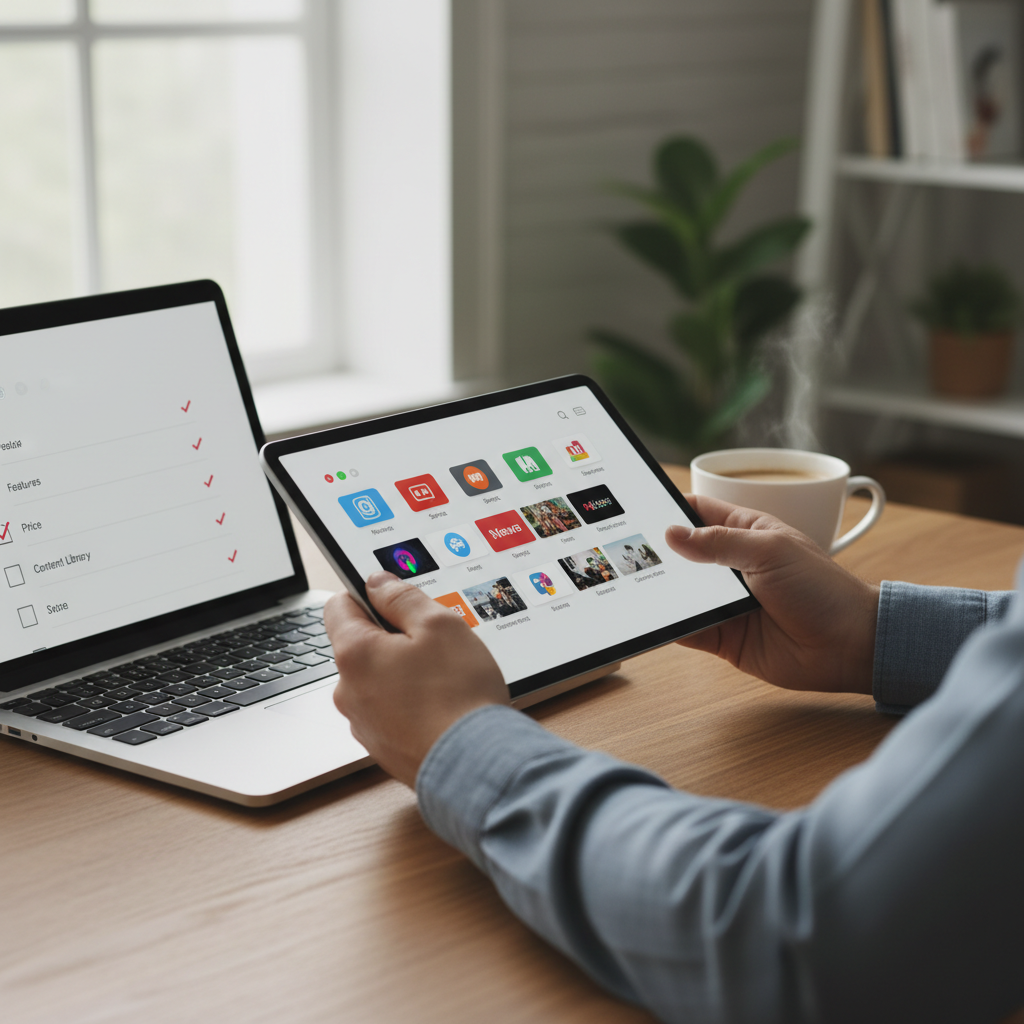
Picture quality and EPG. Look for SD, HD, FHD, and 4K tiers plus a full electronic program guide. Without EPG, you’re browsing blind.
VOD depth. A strong on-demand library means one subscription covers movies and series too, not just live TV.
Sports servers. Dedicated sports infrastructure handles PPV events, NFL, NBA, UFC, and Premier League without blackouts. General servers can’t keep up on big game nights.
Uptime and antifreeze technology. High uptime and antifreeze technology are the difference between a reliable service and one that drops mid-match.
Support and trial policy. A 24/7 help desk, a 24-hour free trial, and a money-back guarantee tell you the provider stands behind their service. Providers worth trusting don’t hide behind slow email queues.
Activation speed. Your M3U link and Xtream Codes should land in your inbox within minutes, not days. Once they do, follow the steps in how to set up IPTV on your device after subscribing and you’ll be watching in under ten minutes.
Step-by-Step: How to Buy an IPTV Subscription with VoxiCast
Buying IPTV the right way takes about ten minutes. Here’s exactly how it works with VoxiCast, from your first click to your first live stream.
Step 1 — Start with the free trial. Before you spend a cent, activate the 24-hour free trial at voxicast.com. Test the sports servers, browse live channels, and check picture quality on your device. If it doesn’t impress you, walk away.
Step 2, Choose your plan. Pick the number of simultaneous connections your household needs, then choose a billing cycle. Longer plans cost less per month.
Understanding VoxiCast Pricing and Plan Options
Every plan covers the full channel lineup, the complete VOD library, and the dedicated sports servers. No tier gets a watered-down version. The only differences are how many screens can stream at once and how long your billing cycle runs.
| Connections | 3 Months | 6 Months | 12 Months |
|---|---|---|---|
| 1 Connection | $24.99 | $34.99 | $49.99 |
| 2 Connections | $39.99 | $54.99 | $79.99 |
| 3 Connections | $54.99 | $74.99 | $109.99 |
Solo viewer? The 1-connection plan is all you need. Family with a few TVs running at once? Go with 2 or 3 connections. No contracts means you can start on a 3-month plan and upgrade later without penalty.
Step 3, Complete checkout. Payment is secure and straightforward. No long forms, no hidden fees added at the end.
Step 4, Receive your credentials instantly. Within about two minutes, your M3U link and Xtream Codes land in your inbox. That’s everything you need to get connected.
Step 5, Install on your device. Open your preferred IPTV player, TiviMate, IPTV Smarters, or XCIPTV all work great, and paste in your credentials. Works on Firestick, Smart TV, iPhone, Android, and PC.
Step 6, Start watching. You’re now browsing 40,000+ live channels with full EPG and 54,000+ VOD titles. For anyone looking to buy IPTV as a genuine replacement for cable, this is where it clicks. If anything feels off in the first ten days, the 10-day money-back guarantee has you covered, no awkward conversations required.
How to Set Up Your IPTV Subscription on Any Device
Once your credentials land in your inbox, setup takes about five minutes on any device. Here’s exactly what to do on the most common ones.
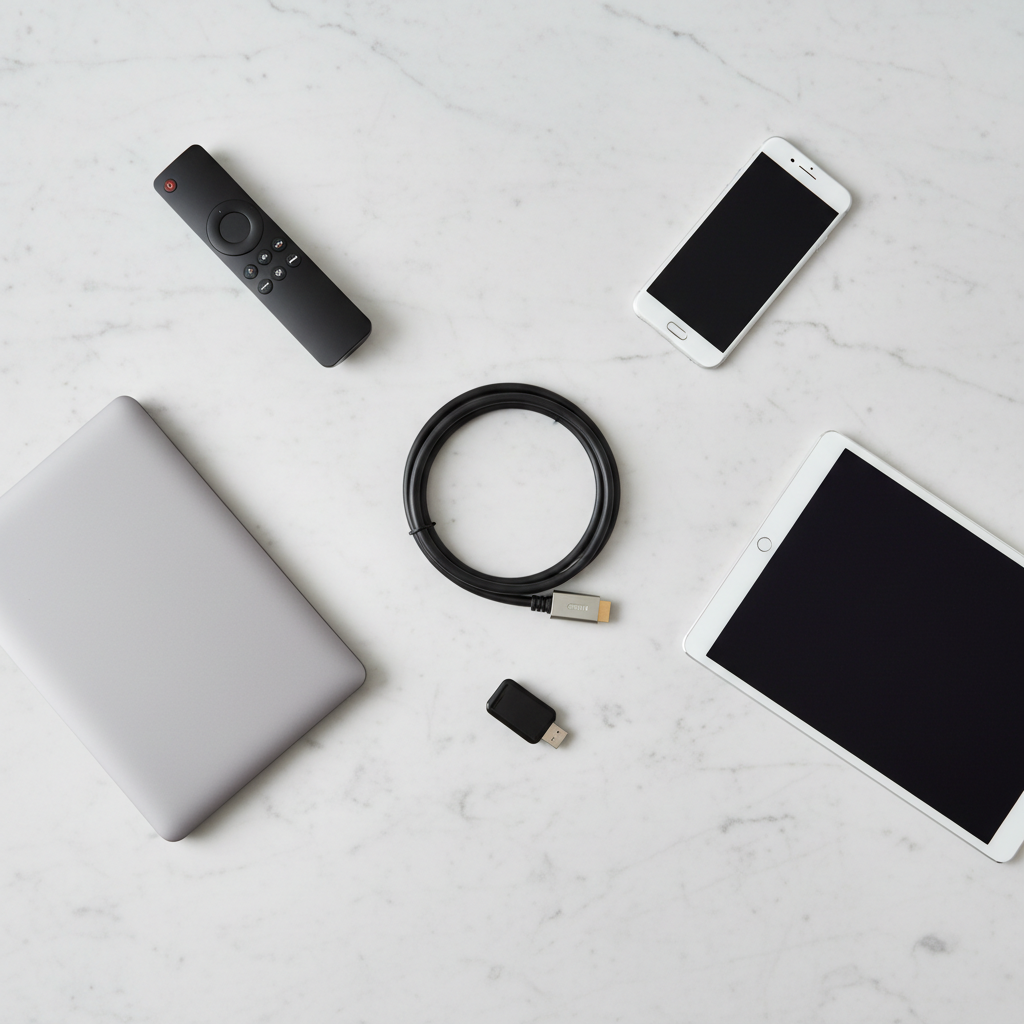
Firestick and Fire TV
Enable “Apps from Unknown Sources” in settings, then install TiviMate or IPTV Smarters via the Downloader app. Open the player, choose Xtream Codes login, and paste in the credentials from your email.
Android TV and Nvidia Shield
Search Google Play for IPTV Smarters or TiviMate. Install it, select Xtream Codes, and enter your details. Done.
Samsung and LG Smart TVs
Use Smart IPTV or a compatible app from your TV’s app store. Load your M3U playlist URL and the channel guide populates automatically.
Apple TV, iPhone, and iPad
Download GSE Smart IPTV or IPTV Smarters from the App Store. Enter your Xtream Codes credentials and you’re watching in minutes.
PC
Open VLC, go to Media, then “Open Network Stream,” and paste your M3U URL. Every channel loads instantly.
Pro tip: Run a wired Ethernet connection to your TV for 4K streams. It eliminates nearly all buffering that Wi-Fi can cause.
Is IPTV Legal? What You Need to Know
Yes, IPTV is legal. It’s simply a delivery method, television sent over the internet instead of a cable wire. The technology itself is no different from streaming Netflix or watching YouTube.
The legal line sits between paid, reputable services and unlicensed free streams. Free, unauthorized streams can infringe public-performance rights, see the U.S. Copyright Office’s unauthorized streaming explanation for the specifics. A paid subscription like VoxiCast operates as a legitimate provider, which is exactly why you should always buy IPTV from a service that charges a real subscription fee.

That distinction matters when you’re comparing IPTV providers in the USA. The best IPTV USA options are paid services with real support, real uptime commitments, and a money-back guarantee, not sketchy free links from a forum. A VPN is optional and adds general privacy to your connection, but it’s not required to use VoxiCast.
Tips to Get the Best Experience from Your IPTV Subscription
A solid connection makes the biggest difference. Plug directly into your router with an Ethernet cable for HD and 4K streams. If you’re on Wi-Fi, use the 5GHz band, it’s faster and less congested than 2.4GHz.
If a stream stutters, restart your router and device first. That fixes most temporary slowdowns before you even need to contact support.
Spend a few minutes with the EPG, the built-in program guide. It lets you browse live schedules just like a cable guide. For nights when nothing’s live, the VOD library has tens of thousands of movies and series ready to go.
VoxiCast’s support team is available 24/7 and responds fast. Don’t sit stuck, just reach out. During your 24-hour free trial, test streams on the actual device you’ll use daily. That’s the best way to confirm the best IPTV service in the USA experience for your specific setup before committing to a plan.
Frequently Asked Questions
How do I buy an IPTV subscription safely online?
Stick to paid providers that offer a clear refund policy and a trial before you commit. VoxiCast checks every box: secure checkout, instant delivery of your M3U link and Xtream Codes by email, a 24-hour free trial to test the service on your own device, and a 10-day money-back guarantee if you change your mind after purchase. No risk, no guesswork.
What is the best IPTV subscription in the USA?
The best service for US viewers delivers strong channel counts, reliable sports coverage, and consistent uptime. VoxiCast leads on all three. You get 40,000+ live channels, dedicated sports servers covering NFL, NBA, UFC, and Premier League with zero blackouts, and 99.9% uptime backed by antifreeze technology. For everyday cord-cutters and sports fans alike, it’s the strongest all-around pick available right now.
How much does an IPTV subscription cost?
VoxiCast starts at $24.99 for a 3-month single-connection plan. Six-month and 12-month options bring the per-month cost down further, and plans scale up to 3 simultaneous connections. There are no contracts, so you’re never locked in. The 24-hour free trial means you can verify the quality yourself before spending a dollar.
Can I use an IPTV subscription on multiple devices at the same time?
Yes. VoxiCast plans support 1, 2, or 3 simultaneous connections depending on the tier you choose. Each connection can run on a different device, Firestick, Smart TV, Android phone, iPhone, iPad, or PC. One household can have the game on the living room TV while someone else watches a movie on their tablet, no problem.
Do I need a VPN to use an IPTV subscription?
No, a VPN is not required. VoxiCast works perfectly on a standard internet connection straight out of the box. Some users prefer one for added privacy, and VoxiCast is fully compatible if you choose to use one. Either way, setup and performance are not affected.
What should I do if my IPTV service keeps buffering?
Start with the basics: check your internet speed, switch to a wired Ethernet connection if you can, and restart your router. Most buffering comes from the home network, not the IPTV service itself. VoxiCast’s antifreeze technology and 99.9% uptime keep server-side issues rare. If buffering persists after fixing your connection, the 24/7 support team can walk you through it fast.
Is there a free trial before I buy an IPTV plan?
Yes. VoxiCast offers a 24-hour free trial so you can test live channels, VOD, and sports streams on your actual device before paying anything. After you subscribe, the 10-day money-back guarantee gives you a second safety net. Between the two, you have plenty of time to know you’re getting exactly what you paid for.
Final Thoughts
Buying IPTV doesn’t have to be complicated. Pick a provider with real uptime, solid sports coverage, and a trial so you can test before you commit. That’s the whole checklist. VoxiCast checks every box, and if you’ve been searching for the best IPTV service in the USA, the research stops here.
You get your M3U link and Xtream Codes within minutes, it works on whatever screen you already own, and there’s no contract holding you in. If you’re still on the fence, try VoxiCast free for 24 hours before buying, no credit card pressure, no risk. When you’re ready to buy IPTV the right way, this is the move.