
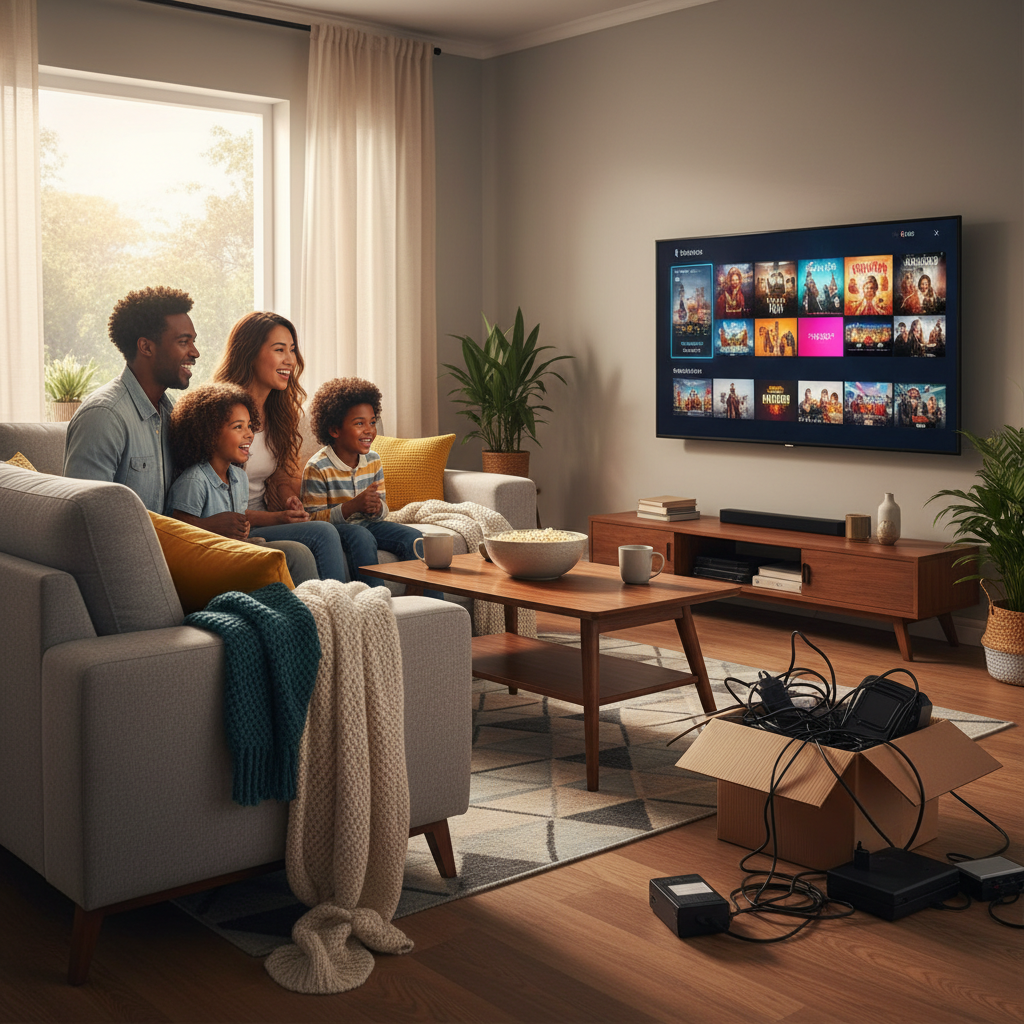
How to cut the cord is simpler than most people expect — cancel your cable subscription, pick a streaming alternative that covers the channels you actually watch, and plug in a device you probably already own. That’s the short version. This guide walks you through every step so you don’t miss anything or end up paying more than you need to.
Table of Contents
Cable bills have a way of creeping past $150 a month without adding much value. Most households are paying for hundreds of channels they never touch. Cord-cutting fixes that by letting you pay only for what you use — live TV, sports, movies, or some mix of all three.
You’ll see exactly how to audit your current bill, figure out which streaming services replace your must-have channels, and get live TV running on any screen in your home. We’ll cover free and paid options, what to do about local news and sports, and how IPTV fits in for people who want one service that does it all. No tech background required.
Why Millions Are Cutting the Cord in 2026
Cord-cutting means canceling your traditional cable or satellite TV subscription and replacing it with internet-based alternatives. In 2026, that switch is easier, cheaper, and more complete than it has ever been.
The average cable TV bill runs past $100 a month for most households, and that number rarely tells the whole story. Equipment rental fees, regional sports surcharges, and broadcast TV fees can quietly add $30 to $50 on top of the advertised rate. You sign up for one price and pay another.
Meanwhile, the way people actually watch TV has changed completely. Families spread across three rooms on three different devices don’t need a single cable box feeding one living-room screen. They need flexibility, and cable was never built for that.
The old fear was that cutting the cord meant giving something up: fewer channels, no live sports, fuzzy picture quality. That fear is outdated. The best ways to watch live TV without cable today cover everything from local news to Premier League matches to pay-per-view events, often in 4K. You’re not downgrading. You’re just stopping the overpayment.
Step 1 — Audit Your Current Cable Bill and What You Actually Watch
Pull up your last three cable bills right now. Most people are shocked to find they’re paying for equipment, fees, and channel tiers they’ve never touched.
Break Down Every Line Item
Your base package price is rarely what you actually pay. Add up the DVR rental, modem or cable box fees, regional sports surcharges, and broadcast TV fees. That “starting at $49.99” plan often lands closer to $120 or $130 a month once everything stacks up. Multiply that by 12 and write the number down.
Be Honest About What You Watch
Go through your last month of viewing. Most households regularly watch fewer than 15 channels. If your package carries 200, you’re funding 185 channels for someone else’s taste. Note the ones you’d genuinely miss — locals, sports, news, a few cable staples — because that list is exactly what you’ll replace when you figure out how to cut the cord.
Check Your Contract Before You Do Anything
Look for a contract end date and any early termination fee. Some providers charge $10–$20 per remaining month, so timing your cancellation right can save you real money. If you’re month-to-month, you can leave anytime.
When you call to cancel, expect a retention offer. Be polite, stay firm, and have your replacement plan ready. That confidence comes from knowing a better, cheaper option is already waiting on the other side of that call.
Step 2 — Understand Your Internet Connection (The Only Thing You Actually Need)
Good internet is the one non-negotiable for cord-cutting. You don’t need a new TV, a new router, or a tech degree, but you do need a connection that can handle streaming without choking.
How Much Speed Do You Actually Need?
SD streaming runs fine on 5 Mbps. HD needs around 10–15 Mbps. 4K content asks for 25 Mbps or more per stream. If two people are watching live TV at the same time, double those numbers. The FCC broadband speed recommendations are a useful benchmark if you want an official reference point.
Test what you have right now by searching “internet speed test” in Google and hitting Run. It takes 30 seconds. Compare your result to the numbers above before you spend a dollar on anything.
Do You Need to Upgrade After Dropping Cable?
Probably not. Most households already have enough speed, they just don’t know it. The bigger issue is usually Wi-Fi, not the plan itself. Move your router to a central spot, off the floor, away from thick walls. If your streaming TV is far from the router, a cheap ethernet cable or a mesh Wi-Fi node fixes most buffering problems for good. For a deeper look at this, check out what internet speed you need to stream live TV.
The Money Math on Standalone Internet
Cable companies bundle internet and TV to make the TV portion look cheap. Once you cancel, standalone internet often costs less than your current bundle’s “internet share.” Nielsen’s monthly TV viewing trends confirm streaming has overtaken cable viewing, providers know this, which is why standalone internet plans are easier to negotiate than ever.
Once your connection is solid, you’re ready to explore the best streaming services for cord-cutters in 2026 and build your personal channel lineup.
Step 3, Choose the Right Streaming Device for Your Setup
Your streaming device is the hardware that runs your apps and pulls in live TV. Pick the right one and cord-cutting feels effortless; pick the wrong one and you’ll fight buffering and missing apps from day one.
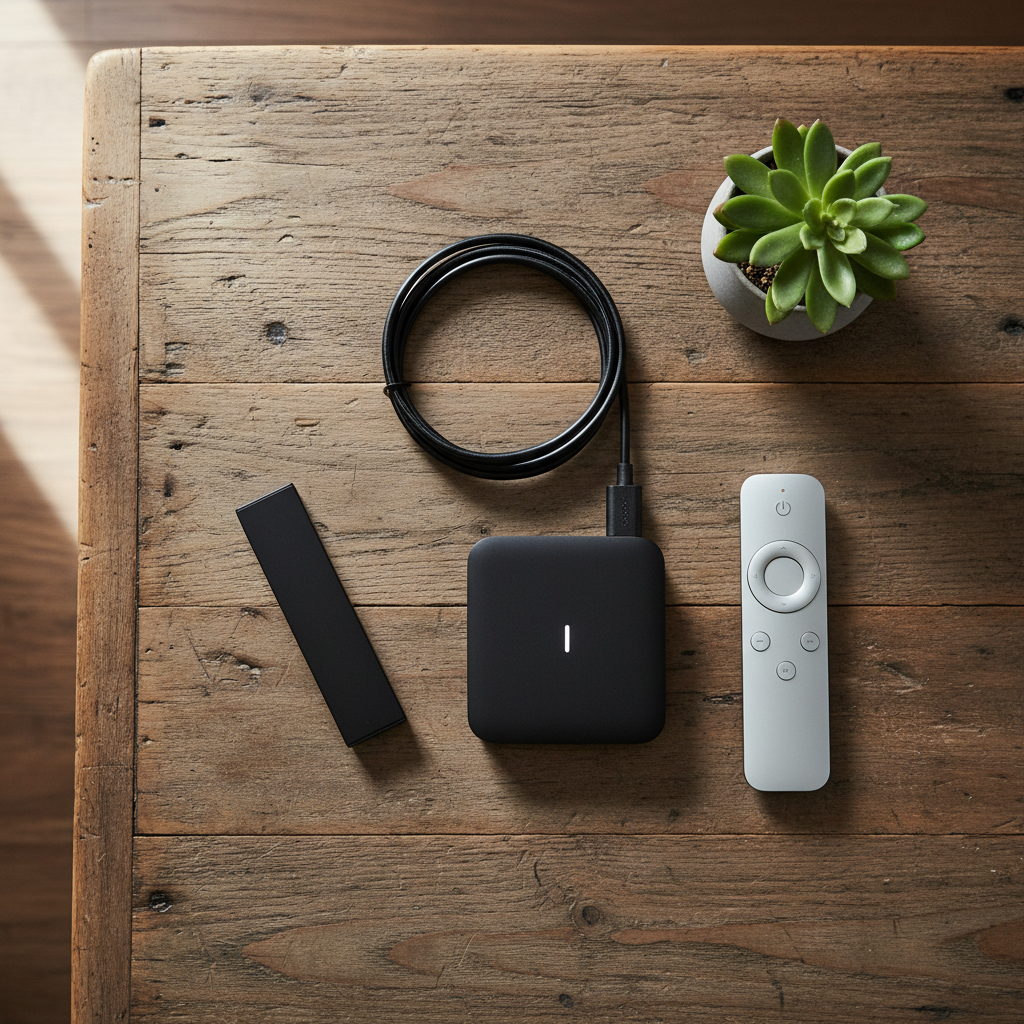
The Amazon Firestick is the easiest starting point for most people. It’s cheap, sold everywhere, and supports every major IPTV app you’ll need. A Firestick 4K Max covers you well under $60 and is a solid cable TV alternative for most living rooms. Amazon’s Fire TV setup guide walks you through the whole process if you want step-by-step help.
Android TV boxes and the Nvidia Shield are the power-user pick. The Shield handles 4K without breaking a sweat and is worth it if you’re running a big household or want the best picture your TV can show. For a quick background on how IPTV streams reach your screen, check out what IPTV actually is and how it works.
Samsung and LG Smart TVs built after 2019 often support IPTV apps directly, so you may already have everything you need sitting in your living room. If you’re in the Apple ecosystem, Apple TV is a polished option that fits right in. Roku users can follow Roku’s official setup instructions to get started quickly.
Before you buy anything, confirm three things: does it support the resolution your TV can display, does it run your preferred IPTV app, and does the price fit your budget? Consumer Reports publishes an independent comparison of live TV streaming services that can help you weigh your overall setup options.
Step 4, Decide What Type of Streaming Service Fits Your Lifestyle
Not all streaming services do the same thing. Picking the wrong type is the main reason people cut the cord and still feel like something’s missing.
The four main options
| Type | What you get | What’s missing | Typical cost |
|---|---|---|---|
| SVOD (Netflix, Disney+) | On-demand movies & series | No live TV, no sports | $8–$18/mo each |
| Free ad-supported (FAST) | Some on-demand content | Heavy ads, almost no sports | Free |
| OTA antenna | Local broadcast channels | No cable networks, no sports packages | One-time hardware cost |
| Live TV bundles (Hulu Live, YouTube TV) | Live channels + some VOD | Expensive; add-ons push bills to $70–$100/mo | $70–$100+/mo |
| IPTV subscription | Live TV, VOD, sports, 4K, one plan | Requires a reliable internet connection | Low monthly equivalent |
Most cord-cutters end up stacking two or three of the top options and still pay close to what cable cost. IPTV closes that gap. You get tens of thousands of live channels, a massive on-demand library, and dedicated sports coverage, all in one subscription. It’s the closest thing to a true cable TV alternative without the cable bill.
If you want the full breakdown, IPTV vs traditional cable TV, which wins in 2026 lays it out side by side. For anyone focused on value, the cheapest ways to watch live TV in 2026 is worth a read too. VoxiCast is a premium IPTV option built around exactly this use case, and you can test it free for 24 hours before spending a dollar.
Why IPTV Is the Smartest Cable Replacement in 2026
IPTV stands for Internet Protocol Television, it delivers live TV channels over your broadband connection instead of through a cable or satellite dish. Your provider sends the stream directly to your device, the same way YouTube or Netflix does, but with live channels, sports, and a full program guide built in.
That difference in delivery method matters more than it sounds. Traditional cable bundles 100–150 channels and charges you for the infrastructure. App-based services like Hulu Live or YouTube TV give you more flexibility but still cap you at a curated lineup. A quality IPTV service like VoxiCast carries over 40,000 live channels with a full EPG, that’s the on-screen program guide that shows you what’s on now and what’s coming next, exactly like cable did.
The EPG is what makes cord-cutting feel normal for the whole household. Without it, you’re hunting through menus. With it, you glance at the grid and pick a show. Most people don’t realize that’s even an option until they try IPTV.
VOD is another area where IPTV pulls ahead. Instead of paying separately for multiple streaming services, a single IPTV subscription includes tens of thousands of on-demand movies and series alongside the live channels.
Reliability is the fair question to ask here. Dedicated sports servers, antifreeze technology that prevents buffering mid-stream, and 99.9% uptime mean the experience holds up during a packed NFL Sunday, not just on a quiet Tuesday night. Want to see how it stacks up against specific alternatives? IPTV vs FuboTV for sports and live TV, IPTV vs Sling TV compared, IPTV vs Hulu Live TV: which is the better pick, and IPTV vs DirecTV Streaming: which is right for you all walk through the key differences.
How VoxiCast Replaces Cable, And Then Some
VoxiCast is a premium IPTV subscription built specifically for people who want everything cable offered, without the bill that came with it. Over 40,000 live channels, a full electronic program guide, and 54,000+ on-demand movies and series, all in one plan, no cable box required.
VoxiCast for Sports Fans: Zero Blackouts, Every Game
Sports is the number one reason people stall on cord-cutting. Cable companies know it, which is why they bundle regional sports networks behind expensive tiers and hit you with blackout restrictions the moment you try to go around them.
VoxiCast runs dedicated sports servers for NFL, NBA, UFC, Premier League, and live PPV events. Those servers are separate from general traffic, so a busy Saturday night doesn’t buffer your fight stream. Zero blackouts means the game plays whether your local market is blacked out or not. The official NFL viewing options spread football across broadcast, cable, and streaming, VoxiCast pulls it all into one place.
Grab the 24-hour free trial and put the sports channels through their paces on your living-room TV before you commit to anything.
VoxiCast for Value Seekers: The Real Cost Comparison
Stacking five streaming apps is the fastest way to spend more than cable ever cost. Netflix plus Hulu plus a sports bundle can easily run $80–$100 a month before you’ve even replaced cable news or local channels. One subscription that covers everything is a smarter move.
| Option | Monthly Cost (est.) | Live Sports | Contracts |
|---|---|---|---|
| Cable TV | $80–$150+ | Add-on fees | Yes |
| Streaming stack (3–4 apps) | $70–$100 | Partial | No |
| VoxiCast (1 connection, annual) | ~$4.17 | Full, no blackouts | No |
Plans start at $24.99 for three months, no contracts, no equipment rental, no surprise fees. Need more screens? Two-connection plans start at $39.99 for three months, and three-connection plans at $54.99. A typical household switching from cable saves hundreds of dollars a year, and the 10-day money-back guarantee means there’s almost no financial risk in trying it.
Step 5, How to Actually Cancel Your Cable Subscription
Canceling cable is straightforward once you know what to expect. The hardest part isn’t the process itself, it’s staying firm when the retention team tries to keep you.
Time It Right
Check your billing cycle before you call. Cancel a day or two before your next bill date so you don’t pay for another full month you won’t use. If you’re mid-contract, ask the rep for your exact early termination fee, sometimes it’s less than you’d expect, and one month of cable savings covers it.
The Cancellation Call
Call the main customer service line and say clearly: “I want to cancel my cable TV service and keep internet only.” Every provider will route you to a retention specialist. They’ll offer discounts, loyalty credits, and “limited-time” deals. It’s fine to say: “I appreciate that, but I’ve already set up my replacement. I just need to cancel.” For Xfinity specifically, try the online chat option, their phone hold times can be long.
Before You Hang Up
Ask for a cancellation confirmation number and request an email confirmation. Return any cable boxes or remotes within the stated window, missing that deadline is how people get hit with equipment fees. Watch your final bill closely so you can catch any stray charges before the dispute window closes.
What Equipment Do You Need to Cut the Cord?
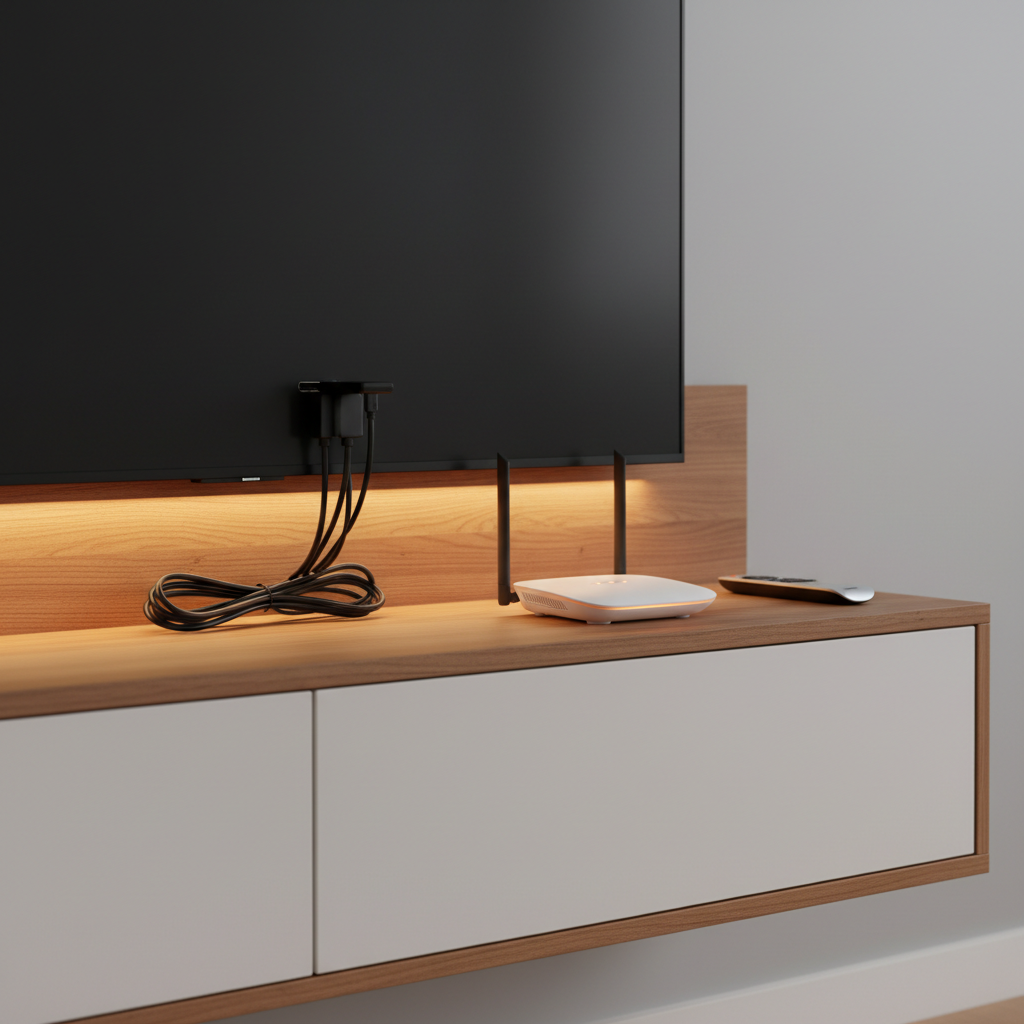
You need three things: a reliable internet connection, a streaming device, and a service subscription. That’s the whole list. Everything else is optional depending on your setup.
The Must-Haves
Your internet connection does all the heavy lifting. A plan with at least 25 Mbps works for one TV; if multiple people are streaming at once, aim for 100 Mbps or higher. Your streaming device plugs into your TV and runs the apps, a Firestick, Android TV box, or a Samsung Smart TV with built-in apps all work great with VoxiCast.
Nice-to-Haves
An OTA antenna costs $20–$40 and pulls in free local broadcast channels like ABC, NBC, CBS, and Fox over the air, no subscription required. You can check local broadcast reception with the FCC map before you buy one, so you know exactly which channels you’ll pick up at your address. Households with four or five devices streaming at the same time may also want to upgrade to a Wi-Fi 6 router to avoid buffering.
What You Can Throw Out
You do not need a cable box, a satellite dish, or coaxial splitters. VoxiCast delivers everything through an M3U link or Xtream Codes straight to your device, no physical box, no technician visit. Your login details arrive by email within about two minutes of signing up, and you’re watching within minutes of that.
Total startup cost for a new cord-cutter typically runs $30–$80 for a streaming device, plus the internet bill you already pay. That’s it.
Tips for a Smooth Transition: Avoiding Common Cord-Cutting Mistakes
Most cord-cutting headaches are avoidable. A little prep before you cancel cable saves you from scrambling to get the game back on a Sunday afternoon.
Test before you cancel
Never cancel cable until your replacement is running smoothly. Use VoxiCast’s 24-hour free trial to stress-test live channels, sports feeds, and VOD on your actual TV before you make the call to your provider. If something needs tweaking, you still have a safety net.
Check your internet speed first
4K streaming in two rooms at once needs a solid connection. Run a speed test and confirm you’re getting at least 50 Mbps reliably. This is the step most people skip, and it’s the most common reason for buffering complaints.
Don’t recreate the cable bill
Stacking five or six streaming apps is the fastest way to spend more than cable. Pick one or two on-demand apps, add a live TV service like VoxiCast, and stop there. Simple beats complicated every time.
Don’t forget local channels
Local news and network TV catch people off guard. A $25–$40 indoor antenna covers most of it for free, permanently. Pair it with VoxiCast for everything else and you’ve got a complete setup.
Track what you’re paying
Keep a simple spreadsheet: service name, monthly cost, renewal date. It takes five minutes to set up and keeps your cord-cutting savings real instead of theoretical.
Frequently Asked Questions
What’s the best way to cut the cable cord in 2026?
Start by auditing your cable bill, lock in a solid internet connection, grab a compatible streaming device, and replace cable with a service that handles live TV, sports, and on-demand in one plan. VoxiCast does exactly that, tens of thousands of live channels, a massive VOD library, and dedicated sports coverage, all for a fraction of what cable costs. Grab the 24-hour free trial and see for yourself before you commit to anything.
How do I get rid of cable and still watch live TV?
Live TV doesn’t disappear when you cancel cable, it just moves to a better delivery method. VoxiCast gives you 40,000+ live channels with a full EPG guide, so flipping through channels feels exactly like cable. Dedicated sports servers mean zero blackouts on NFL, Premier League, UFC, and more, and it runs over your existing internet connection on any major device you already own.
What equipment do I need to cut the cord?
Three things: a broadband internet connection, a streaming device, and a subscription. A Firestick, Android TV box, Smart TV, or tablet all work. VoxiCast ships no hardware to your door, your M3U link and Xtream Codes arrive by email within about two minutes of signing up, and you’re watching within minutes of that. No installer, no waiting, no equipment fees.
How do I cut the cord and still watch sports?
Sports blackouts are the number-one reason people hesitate to cancel cable. VoxiCast runs dedicated sports servers built for NFL, NBA, UFC, Premier League, and major PPV events, with zero blackouts and no regional restrictions. Most mainstream live TV bundles charge extra for sports tiers or block local markets entirely. Use the 24-hour free trial to put the sports channels through their paces before you make that cancellation call.
What is the cheapest way to watch TV without cable?
A free OTA antenna covers local broadcast channels at no ongoing cost. Free ad-supported apps fill in some gaps. But for a true full-cable replacement at the lowest per-channel cost, IPTV wins. VoxiCast plans start at $24.99 for three months, one bill that replaces cable plus the stack of streaming subscriptions most households are juggling. For a deeper breakdown, check out the cheapest ways to watch live TV in 2026.
Can I cut the cord myself without a technician?
Completely DIY, start to finish. You cancel cable by phone or online chat with your provider, no technician involved. Setting up a Firestick or Smart TV app takes ten minutes, tops. VoxiCast delivers your login credentials instantly after signup, so there’s nothing to install and no one to wait for. If you hit a snag, 24/7 support is there to walk you through it.
How do I cut the cord with Xfinity (or any cable provider)?
Call or open a chat with your provider, decline whatever retention offer they throw at you, and request a clean cancellation. Return any rented equipment and ask for written confirmation. Keep their internet-only plan if the price is reasonable, you’ll still need that connection. One strong tip: get VoxiCast set up and tested on your free trial before you make that call, so there’s zero gap between canceling cable and watching everything you normally would. The FTC warning about illegal streaming apps is also worth a quick read so you know what to avoid while you’re shopping around.
Final Thoughts
Figuring out how to cut the cord is simpler than most people expect. Cancel cable, add a streaming service or two for on-demand content, and pair it with a solid IPTV service for live TV. That covers everything cable gave you, usually for a fraction of the monthly bill.
VoxiCast is the live TV piece of that puzzle. Tens of thousands of channels, dedicated sports servers with zero blackouts, and plans that work on the devices already sitting in your living room. Your M3U link lands in your inbox within minutes of signing up, so there’s no waiting around. If you’re still on the fence, try VoxiCast free for 24 hours before committing, no pressure, just the full service running on your setup so you can see exactly what you’re getting.
You’ve done the research. You know what’s out there and what it costs. The only thing left is to make the switch, and the sooner you do, the sooner you stop paying a cable bill that was never worth it.