
IPTV Smarters Pro is one of the most popular apps for watching live TV through an IPTV subscription, and getting it set up takes about five minutes once you have your credentials. You just need your M3U playlist URL or Xtream Codes login, and the app does the rest. If you’re still figuring out which device to run it on, check out our complete IPTV device setup guide for the full picture.
Table of Contents
This walkthrough covers downloading the app, entering your subscription details, and getting your channels loaded. We’ll also flag the spots where people usually get tripped up so you don’t have to troubleshoot blind. By the end, you’ll have live TV, sports, and on-demand content running on your screen.
What Is IPTV Smarters Pro?
IPTV Smarters Pro is a media player app — it plays the channels and videos your IPTV subscription sends it. It does not come with any channels of its own.
Think of it like a TV set. The TV doesn’t broadcast anything; it just displays what comes through the antenna or cable box. IPTV Smarters Pro works the same way. You bring the subscription, the app handles playback. It reads your content through two standard formats: an M3U playlist (a URL that points to your channel list) or Xtream Codes (a login with a server address, username, and password). Want to understand the difference before you start? Check out M3U playlist and Xtream Codes explained.
The app runs on Android phones and tablets, iPhone, iPad, Windows PC, most Android Smart TVs, and Firestick — a big reason it tops any best IPTV player apps compared roundup. As the official Smarters Player Lite app listing makes clear, it’s a standalone player that requires you to add your own media source. That source is your IPTV subscription.
Key Features of IPTV Smarters Pro
IPTV Smarters Pro handles both M3U playlist and Xtream Codes logins, displays a live EPG TV guide, and runs on most devices you already own. The feature set punches well above its price tag.

The EPG guide shows real-time program schedules right inside the app, so you can browse what’s on without leaving your couch. That only works if your provider actually supplies EPG data — something worth confirming before you commit to any service.
Stream quality tops out at 4K, but the app only delivers what your provider sends. Picture-in-Picture mode lets you keep a live channel running while you browse the guide or VOD library. Parental controls let you lock categories by PIN, handy for shared TVs. You can also mark favorites, jump back to recent channels, and record live TV directly through the app.
The interface is clean and menu-driven. If you can navigate Netflix, you can navigate this.
How to Download and Install IPTV Smarters Pro on Any Device
IPTV Smarters Pro is free to download across every major platform. You just need your subscription credentials to start watching.
Android (Phone, Tablet, Android TV, Nvidia Shield)
Search “IPTV Smarters Pro” in the Google Play Store and install it directly. For Android TV and Nvidia Shield, follow Google’s official Google TV app installation steps if you need help navigating the store on a big screen.
Firestick and Fire TV
Open the Amazon Appstore, search for IPTV Smarters Pro, and install it in one tap. If it doesn’t appear in your region, use the Downloader app to sideload the APK instead. Amazon’s official Fire TV app download steps walk you through both methods clearly.
iPhone and iPad
Find it on the Apple App Store under the same name. Download and install like any other app.
Windows PC and Windows 11
Grab it from the Microsoft Store. On Windows 11, it runs natively without any workaround. You can also run the APK through an Android emulator if you prefer.
Samsung and LG Smart TVs
Check the Samsung Smart Hub or LG Content Store first. If it’s not listed, sideloading via USB is the backup route for both.
Once the app is installed and your credentials are in, you’re ready to stream. If you don’t have a subscription yet, try VoxiCast free for 24 hours before committing to a plan.
How to Add Your IPTV Subscription to IPTV Smarters Pro
Open IPTV Smarters Pro and tap Add User (some versions label it Add New User). You’ll see two login methods — pick the one that matches what your provider sent you.
Give your profile a clear name before you do anything else. Something like “VoxiCast – Living Room” keeps things tidy if you’re running more than one connection on the same device.
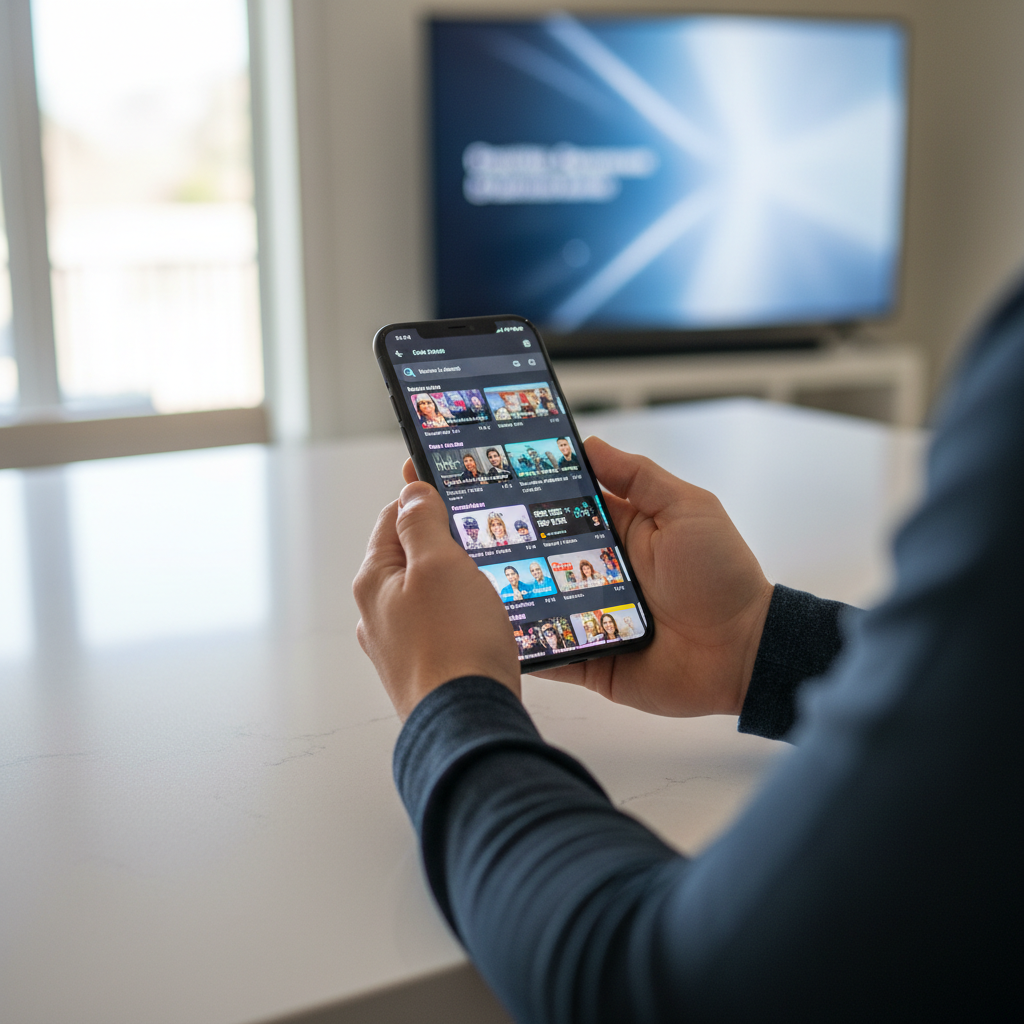
Method 1 — Xtream Codes API: Select the Xtream Codes option. Enter the server URL exactly as provided (including http:// and the port number), then paste in your username and password. VoxiCast sends these credentials to your inbox within about two minutes of signup.
Method 2 — M3U Playlist: Choose the M3U URL option and paste your playlist link directly into the field. The app pulls everything down automatically.
After saving either method, tap Load Channels. IPTV Smarters Pro will fetch your live channels, VOD library, and series. VoxiCast supports both login types, so use whichever feels easier. Plans cover one to three simultaneous connections, meaning your household can load the same credentials on multiple screens without conflict.
Setting Up EPG (TV Guide) in IPTV Smarters Pro
EPG stands for Electronic Programme Guide, the on-screen schedule that shows what’s playing now and what’s coming up. Without it, live TV feels like flipping channels blind.
Inside IPTV Smarters Pro, go to Settings, then EPG, and make sure the source is set to pull from your provider. If your provider includes EPG data in their feed, the guide populates automatically after channels load. If your EPG shows up blank, the problem is almost always the provider, they simply aren’t supplying guide data. That’s a real limitation worth knowing before you commit to any service.
Troubleshooting Common Setup Issues
Most setup problems trace back to one of a handful of causes.
Wrong credentials: Double-check that your Xtream Codes URL includes http:// and the correct port. A missing colon or extra space breaks the connection every time.
Buffering or freezing: This is usually a provider infrastructure problem, not your internet. A quality provider with antifreeze technology and verified uptime cuts out most of that frustration at the source.
Channels not loading: Confirm your subscription is active and that you’re entering credentials for the right plan tier.
App crashing: Clear the app cache first. If that doesn’t fix it, a clean reinstall almost always does.
If you’ve checked everything and something still feels off, VoxiCast’s 24/7 support team can walk you through it directly, no waiting until business hours.
Why Your IPTV Provider Matters as Much as the App
IPTV Smarters Pro is just a player. A weak provider means buffering mid-match, channels that won’t load, and an EPG that’s empty or days out of date. Before you pick any IPTV service, look for a large live channel library with solid EPG data, multiple stream quality tiers, a real VOD catalog, verified uptime, and a support team you can actually reach. Also check that your connection holds up, the FCC’s broadband speed guide lists the minimum download speeds for HD and 4K streams, worth a quick look before you blame the app.

VoxiCast hits every one of those marks. You get 40,000+ live channels with EPG, 54,000+ VOD titles, and streams in SD, HD, FHD, and 4K. Dedicated sports servers handle Premier League, NFL, UFC, and PPV events with zero blackouts, and antifreeze technology keeps playback smooth when traffic spikes. Uptime sits at 99.9%, and 24/7 support is there if anything goes sideways.
Plans start at $24.99 for a single connection on a 3-month term, with no contract and a 10-day money-back guarantee. Your M3U link and Xtream Codes arrive by email about two minutes after signup, ready to paste straight into IPTV Smarters Pro. Not sure yet? A 24-hour free trial lets you test the actual streams before you spend a dollar. For a broader look at what to expect from the signup process, see how to buy an IPTV subscription.
Frequently Asked Questions
Is IPTV Smarters Pro legal in the US?
IPTV Smarters Pro is a legitimate media player app with no built-in content, perfectly legal to download and use. What matters is what you connect to it. VoxiCast is a paid subscription service, so pairing the two gives you a straightforward, above-board setup.
Is IPTV Smarters Pro free?
The app itself is free to download. You need a paid IPTV subscription to watch anything inside it. VoxiCast’s 24-hour free trial lets you load your credentials into IPTV Smarters Pro and see exactly how it performs on your device, live channels, VOD, everything, before spending a cent.
How much does IPTV cost monthly?
It depends on the provider and plan length. VoxiCast plans start at $24.99 for a single connection on a 3-month term, with 6- and 12-month options that bring the per-month cost down further. No contracts, and every plan includes a 10-day money-back guarantee.
What does IPTV Smarters Pro cost?
The app is free. The cost you’re really looking at is your IPTV subscription. With VoxiCast, your Xtream Codes credentials and M3U link arrive by email within about two minutes of signup, ready to paste straight into the app.
Can I use IPTV Smarters Pro on multiple devices at the same time?
You can install IPTV Smarters Pro on as many devices as you like. Streaming simultaneously depends on your subscription’s connection limit. VoxiCast offers plans with 1, 2, or 3 simultaneous connections, so a household with a living-room TV, a tablet, and a bedroom Firestick can all run at once on the right plan.
Do I need a VPN to use IPTV Smarters Pro with VoxiCast?
No VPN required. VoxiCast works straight out of the box inside IPTV Smarters Pro without any extra setup. If you prefer added privacy on your network, VoxiCast is fully compatible with VPN connections, but that’s your call, not a technical necessity.
What is the difference between M3U and Xtream Codes in IPTV Smarters Pro?
An M3U is a playlist URL that loads your channels directly into the app. Xtream Codes is a login method, server URL, username, and password, that gives you a more organized experience with sorted VOD categories and a built-in program guide. Xtream Codes is the more feature-rich option for most users. VoxiCast delivers both formats after signup, so you can use whichever feels right inside IPTV Smarters Pro. For a deeper comparison, the TiviMate setup guide also covers how each login method behaves across different players.
Final Thoughts
IPTV Smarters Pro is one of the cleanest ways to get your subscription up and running fast. Paste in your Xtream Codes or M3U playlist, hit save, and you’re watching live TV in under five minutes. No complicated settings, no guesswork.
VoxiCast sends your credentials by email within about two minutes of signup, so you’re never sitting around waiting. The 24-hour free trial lets you test everything inside IPTV Smarters Pro on your actual TV or device before you spend a cent. If it clicks, you’ll wonder why you kept paying a cable bill this long.